
Jharkhand mein land records yaani zameen ke kagaz dekhna ab bahut easy ho gaya hai Pehle logon ko block ya tehsil ke chakkar lagane padte the lekin ab digital India mission ke wajah se sab kuch online available hai Agar aap apni zameen ka record check karna chahte hain toh aapko pata hona chahiye ki How to Check Register 2 Online Jharkhand portal kaise kaam karta hai
Register 2 Document Finder
Select your district to see which portal you should use for land records.
Register 2 ek aisa important document hai jisme zameen ke owner ka naam area aur tax ki detail hoti hai Is article mein hum aapko detail mein batayenge ki kaise aap ghar baithe apne mobile ya computer se Register 2 check kar sakte hain
What is Register 2 in Jharkhand Land Records
Zameen ke documents mein Register 2 ka ek bada importance hai Is document ko ‘P पंजी’ bhi kaha jata hai Isme zameen ki poori history aur current status ki information hoti hai Jab aap search karte hain ki How to Check Register 2 Online Jharkhand toh aapko ye janna zaroori hai ki isme kya kya information milti hai
1 Zameen ke owner ka current naam 2 Plot number aur Khata number ki detail 3 Zameen ka total area decimal ya acre mein 4 Lagan yaani land tax ki status 5 Zameen kis type ki hai jaise ki raiyati ya gair mazrua
Importance of Checking Register 2 Online
Digital portal ka use karne se aapka time aur paisa dono bachta hai How to Check Register 2 Online Jharkhand process ke kai fayde hain
Help in Property Buying Agar aap koi zameen kharid rahe hain toh Register 2 check karke aap asli owner ka pata laga sakte hain Avoid Fraud Kai baar log galat kagaz dikha kar zameen bechte hain Online check karne se fraud se bacha ja sakta hai Check Tax Dues Aap dekh sakte hain ki zameen ka kitna tax baki hai Easy Access Aap kahin se bhi apna record print kar sakte hain
Steps on How to Check Register 2 Online Jharkhand
Ab hum step by step process dekhenge jisse aap apna land record dekh payenge
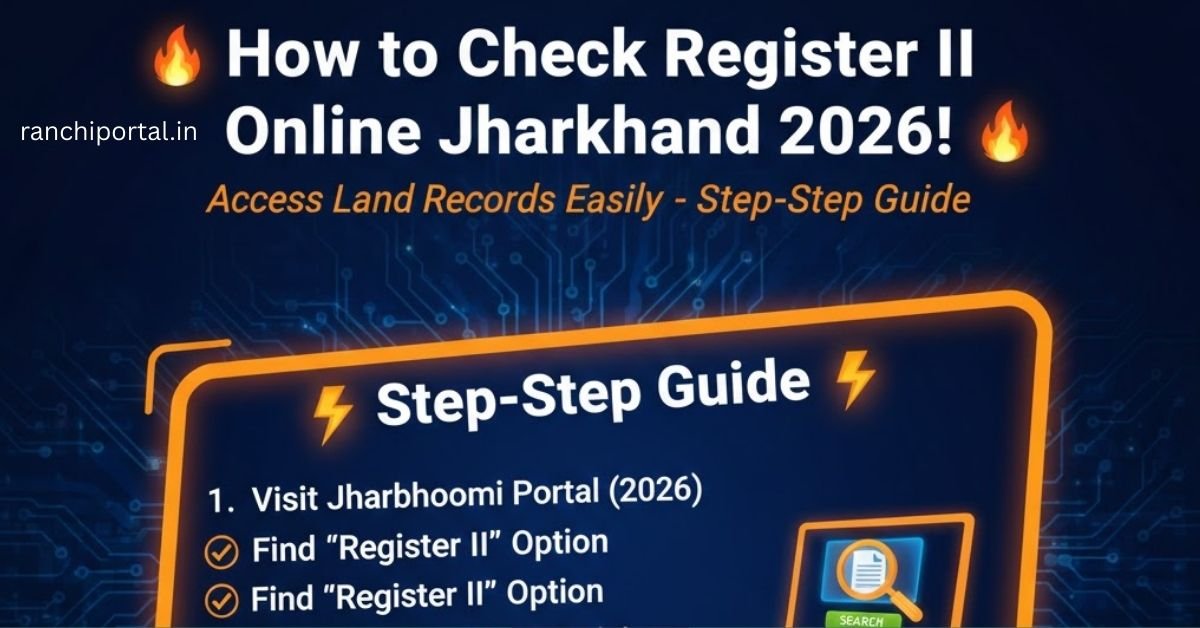
Step 1 Visit Jharbhoomi Official Portal Sabse pehle aapko Jharkhand government ki official website Jharbhoomi par jana hoga Ye land records ke liye main portal hai
Step 2 Select Register 2 Option Home page par aapko bahut saare options dikhenge Wahan par ‘Register 2 Dekhein’ ya ‘View Register 2’ par click karein
Step 3 Choose Your District and Block Screen par Jharkhand ka map dikhega Pehle apna District select karein phir apna Block ya Circle chunein
Step 4 Select Halka and Mauza Block select karne ke baad aapko apna Halka number aur Mauza yaani apne gaon ka naam select karna hoga
Step 5 Search by Details Yahan aapko kai tarah ke search options milenge jaise Khata Number se search karein Plot Number se search karein Owner Name yaani raiyat ke naam se search karein
Step 6 View and Print Sahi detail dalkar search button par click karein Screen par Register 2 ki copy open ho jayegi Aap iska PDF save kar sakte hain ya print nikal sakte hain
Documents Required for Online Search
Jab aap process follow karte hain How to Check Register 2 Online Jharkhand toh aapke paas kuch basic information honi chahiye
District and Block name Halka aur Mauza name Plot number ya Khata number Property owner ka naam sahi spelling ke saath
Agar aapke paas ye details hain toh aap sirf 2 minute mein apna record dekh sakte hain
Common Problems While Checking Register 2
Kabhi kabhi online portal use karte waqt kuch issues aa sakte hain Server Down Kai baar website slow chalti hai Aise mein thoda wait karke dobara try karein Data Not Found Agar aapki zameen ka data show nahi ho raha toh ho sakta hai ki wo abhi tak digitalize nahi hua ho Aisi situation mein aapko apne Anchal Adhikari yaani CO office jana hoga Wrong Information Agar online record mein koi galti dikhti hai toh aap mutation ke liye apply karke use sudhar sakte hain
Difference Between Khatiyan and Register 2
Bahut se log in dono documents mein confuse ho jate hain Jab aap How to Check Register 2 Online Jharkhand search karte hain toh ye difference samajhna important hai
Khatiyan Ye ek purana record hota hai jisme zameen ki original ownership hoti hai Register 2 Ye ek current register hai jisme lagan aur ownership ke latest badlav yaani mutation ki detail hoti hai
Registry ke baad jab mutation yaani dakhil kharij hota hai toh aapka naam Register 2 mein chadh jata hai
How to Print Register 2 Copy Online
Official use ke liye aksar log puchte hain ki kya online copy valid hai Online copy sirf information ke liye hoti hai Agar aapko certified copy chahiye toh aapko Pragya Kendra ya Block office jana hoga Lekin bank loan ya general verification ke liye How to Check Register 2 Online Jharkhand se nikali gayi copy help karti hai
Print karne ke liye simply browser ke print option ka use karein ya ‘Save as PDF’ button par click karein
Related Searches for Jharkhand Land Records
Students aur property buyers aksar ye topics bhi search karte hain Jharbhoomi Mutation Status Check Jharkhand Land Tax Online Payment Check Bhunaksha Jharkhand Apply for Dakhil Kharij Online
In sabhi services ke liye aap Jharbhoomi portal ka hi use kar sakte hain
Conclusion
Zameen ke records ki jankari hona har nagrik ke liye important hai How to Check Register 2 Online Jharkhand process ne aam aadmi ke liye system ko easy bana diya hai Ab aapko kisi middleman ki help lene ki zaroorat nahi hai Bas official website par jayein aur step by step apni detail check karein Isse aapki property safe rahegi aur aap hamesha updated rahenge
Frequently Asked Questions (FAQs)
Q1 Register 2 check karne ke liye koi fees lagti hai Answer Nahi online view karne ke liye koi fees nahi deni padti ye bilkul free service hai
Q2 Kya main mobile se Register 2 dekh sakta hoon Answer Haan aap kisi bhi smartphone ke browser mein Jharbhoomi website open karke apna record dekh sakte hain
Q3 Jharkhand mein Register 2 ko aur kya kehte hain Answer Ise kai jagah par ‘Goshwara’ ya ‘P पंजी’ bhi kaha jata hai
Q4 Agar record online nahi mil raha toh kya karein Answer Agar data online nahi hai toh aapko apne area ke Block office ya tehsil mein jakar offline record check karna hoga
Q5 Register 2 mein mutation ki detail kahan hoti hai Answer Har entry ke niche mutation case number aur date ki detail di hoti hai jisse pata chalta hai ki zameen kab transfer hui